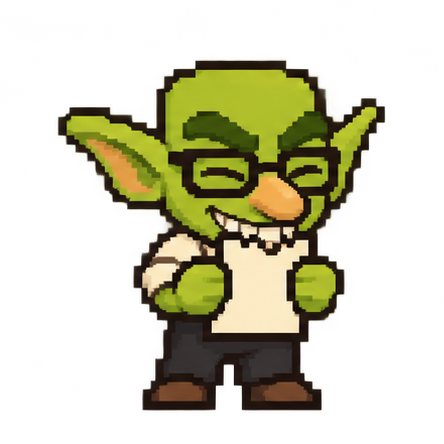
The Paper-Eating Ritual
Checking off a box is boring. Finish a task and watch Desk Goblin physically munch and crunch up your paper task slip. Accidental click? One-click undo restores your task immediately.
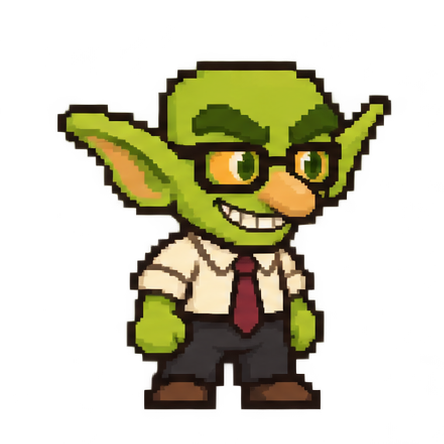
Desk Goblin is an offline Windows companion who holds your current task right on your screen. Complete the task, click done, and watch him joyfully devour the paper slip with crunching celebration.
Most modern desktop tools are bloated Chromium browser instances wrapped in Electron. They require cloud logins, bill you $12/month on recurring subscriptions, track your keystrokes, and burn battery while you type.
Six reasons Desk Goblin is the most enjoyable companion for your Windows desktop.
Checking off a box is boring. Finish a task and watch Desk Goblin physically munch and crunch up your paper task slip. Accidental click? One-click undo restores your task immediately.
Hand-written in pure C++20 using native Win32 controls. Uses under 30 MB of RAM and 0% CPU at idle. Leave him open 24/7 without heating up your CPU or draining laptop battery.

Zero internet sockets. Zero cloud servers. Zero analytics. Your tasks stay on your local disk in your user profile. Nobody reads your work or sells your behavioral profile.
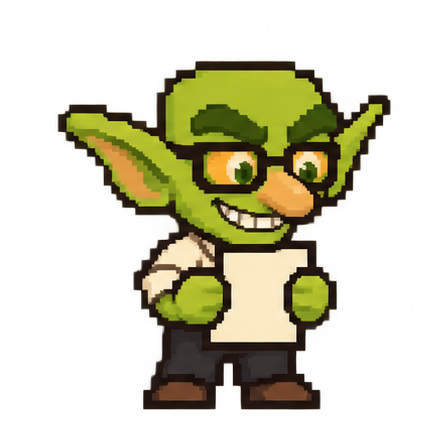
A lovable office companion dressed in a button-down shirt, necktie, and glasses. Click him for dry, witty remarks on workplace jargon, endless emails, and unrealistic project deadlines.
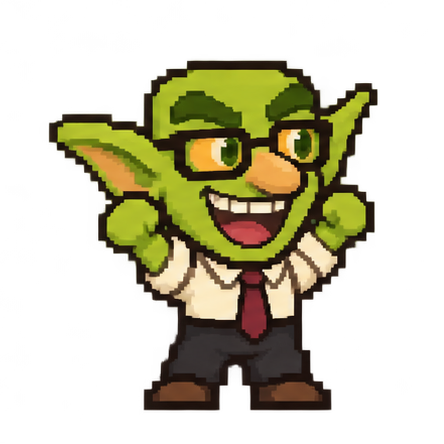
Set hours, minutes, and seconds from 1 second up to 99 hours (defaults to 25 mins). Pauses safely during system sleep and app restarts. When time finishes, he celebrates your sprint without disruptive alarm sounds.
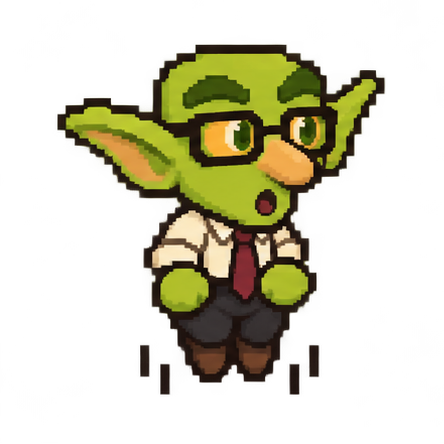
Click and drag your companion anywhere across multi-monitor setups. Choose between Small, Medium, or Large sizes. He automatically hides when you launch full-screen games or video calls.
Inspect authentic Windows 11 screenshots and package details before you buy.
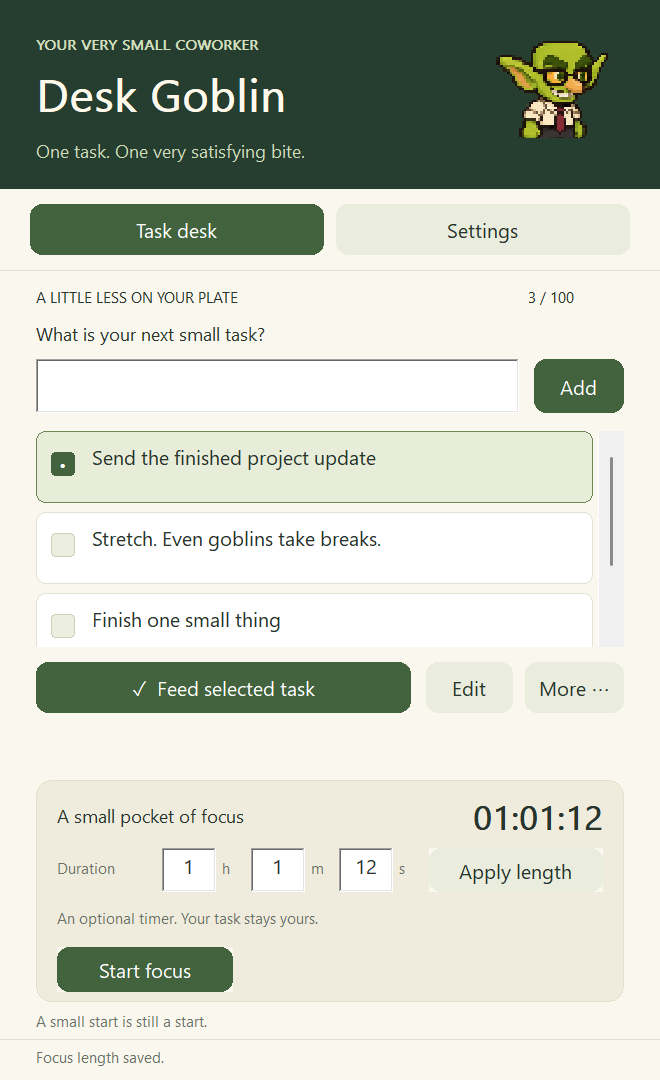
Full keyboard navigation (Up, Down, Enter, Delete). Add new items with a single keypress, reorder tasks, set custom timer durations (hours, minutes, seconds), and customize companion scale.
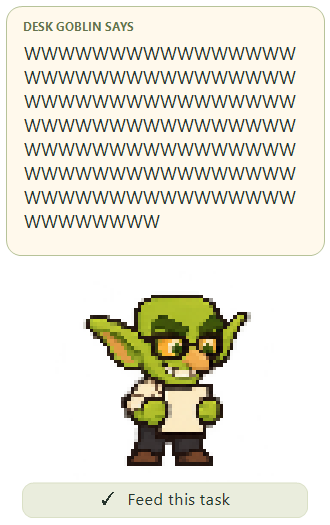
A transparent layered window that sits quietly in the corner of your screen. Dynamic speech bubbles scale smoothly to any message length without clipping text.
Zero bloat: Just download, extract to any folder, and double-click. No installer wizard, no background registry clutter, no administrator rights required.
Hi, my name is Ari. I am an Electrical Engineering college student paying my own way through school.
Between college tuition deadlines, expensive lab textbooks, and long nights analyzing circuit diagrams, I wanted a simple desktop task companion to keep me grounded. But every tool I looked at was either a recurring monthly subscription, wanted my personal phone number, or ate 350+ megabytes of RAM just to display three bullet points.
So I wrote Desk Goblin in pure C++20. I wanted something genuinely fun, extremely fast, and totally respectful of user privacy.
No venture capital. No investor metrics. Just a student building honest software that does exactly what it promises. Thank you for your support!
No recurring fees. No feature tiers. Instant portable delivery.
Pay once. Use forever on all your Windows PCs.
Payhip processes checkout. After payment, download your ZIP from the confirmation page or the link in your email receipt.
Windows 10/11 x64 only. One-time price: $5 USD. Applicable taxes appear at checkout.
Every $5 purchase directly helps fund Ari's college tuition and engineering studies. Download link is generated immediately upon purchase.
Answers to common technical and purchase questions.
DeskGoblin-Windows-x64-1.0.0.zip from the confirmation page.DeskGoblin.exe in the extracted folder.If the receipt does not arrive, check your spam folder and confirm the email address used at checkout.
Read the quick-start guide or download the version 1.0.0 SHA-256 checksum.
Desk Goblin runs on 64-bit Windows 10 and Windows 11. It is compiled with static runtimes in native C++20, meaning you do not need to install .NET runtimes, Visual C++ redistributables, or browser engines. Memory use is approximately 29 MB.
Desk Goblin is 100% portable. You receive a ZIP file containing DeskGoblin.exe. Unzip the folder anywhere (such as your Desktop or Documents folder) and double-click the executable to launch. It requires zero administrator permissions.
Desk Goblin 1.0.0 is unsigned. Windows may show an "Unrecognized app" notification. Check the downloaded ZIP against the published SHA-256 checksum before you decide whether to run it. The application works offline.
Never. Desk Goblin has no network socket code, no telemetry libraries, and no analytics beacons. Your tasks and settings are saved strictly on your local disk in your Windows user profile directory.
Yes. Desk Goblin is completely DRM-free. You can copy your portable folder to your laptop, desktop, or any Windows machine that you own without re-purchasing.